

The night sky,
finished in one click.
Milky Way One is the astro editor and free planning tools from astrophotographer David Magro. Founding access opens soon.
 Milky Way One
One click. Built for astro.
Built by astrophotographer David Magro. One click gives you a finished Milky Way image, and his guided steps help you make it your own.
Eight apps in one. And it teaches you.
Everything you'd normally juggle across separate apps, rolled into one. Every tool is guided, so each night out makes you a better astrophotographer.
Milky Way OneOne app. Every step guided.One click to a finished sky.
Every step stays editable.
Every tool teaches as you go.
Built by an astrophotographer.
Everything David Magro has learned in the field and taught in workshops, built into one app.
the night sky
it all built in
in workshops
Made for night skies. Nothing else.
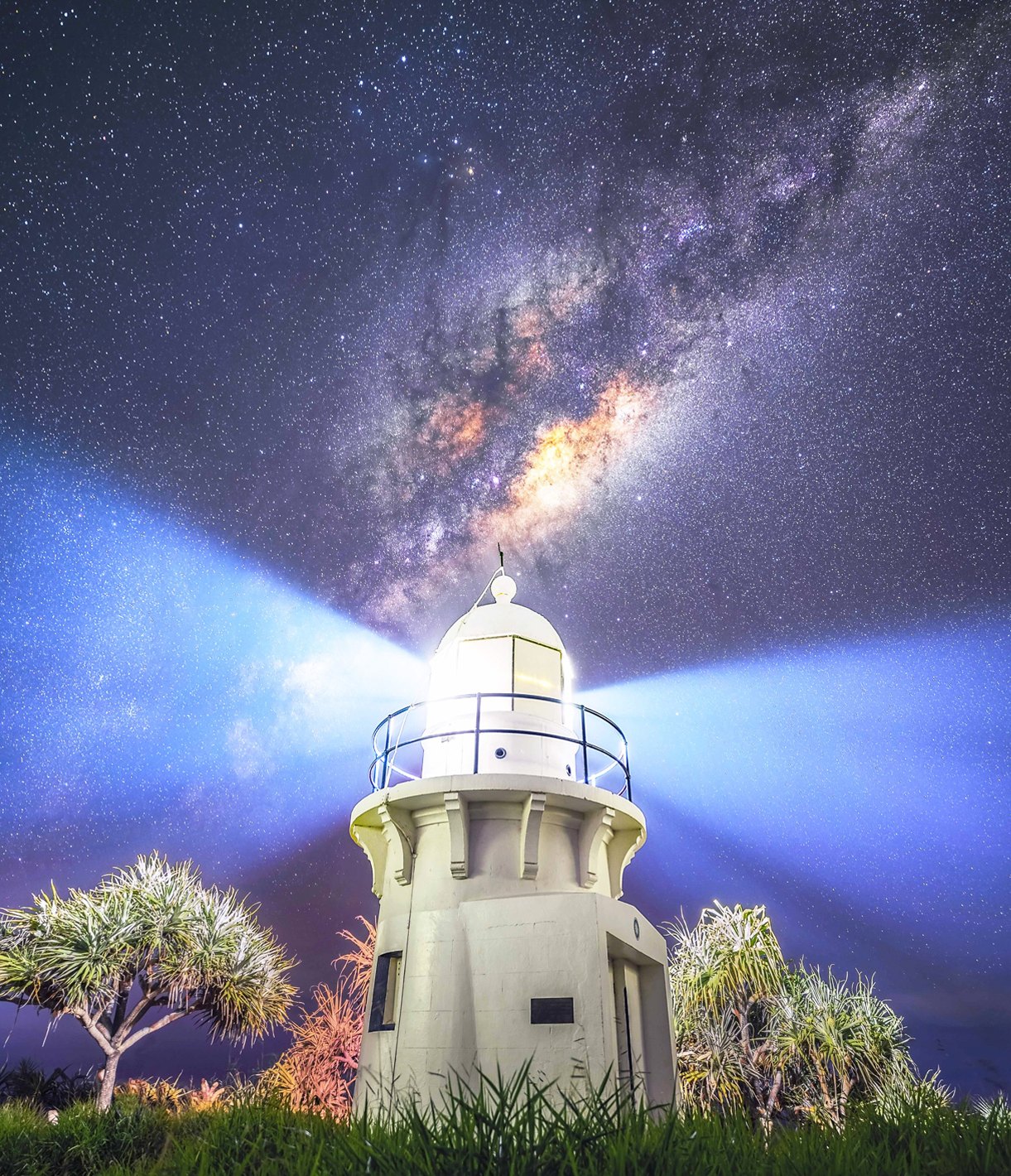
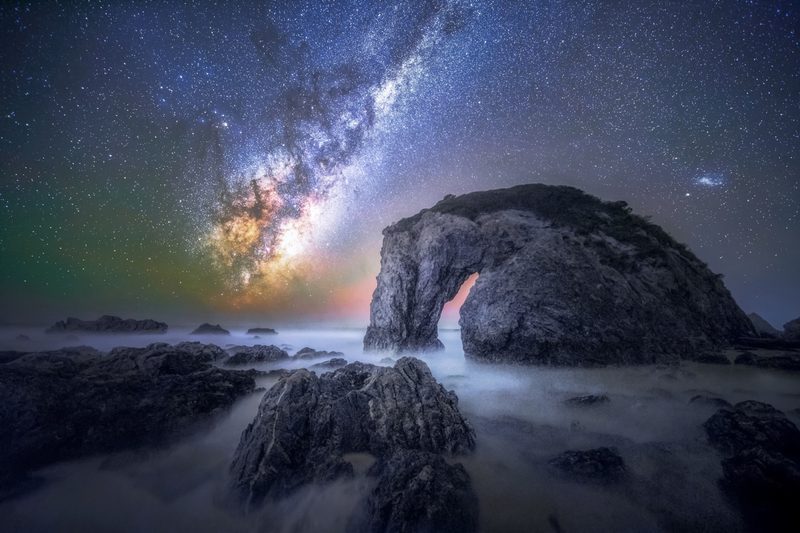
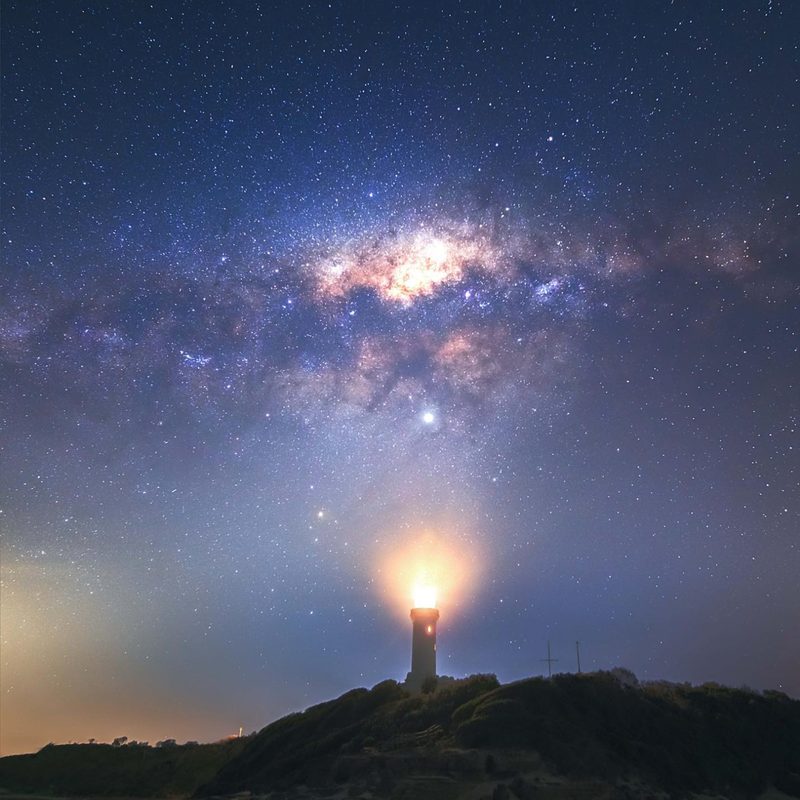
Every kind of scene David shoots, from lighthouses and seascapes to full panoramas, finished in one click.
BeforeAfter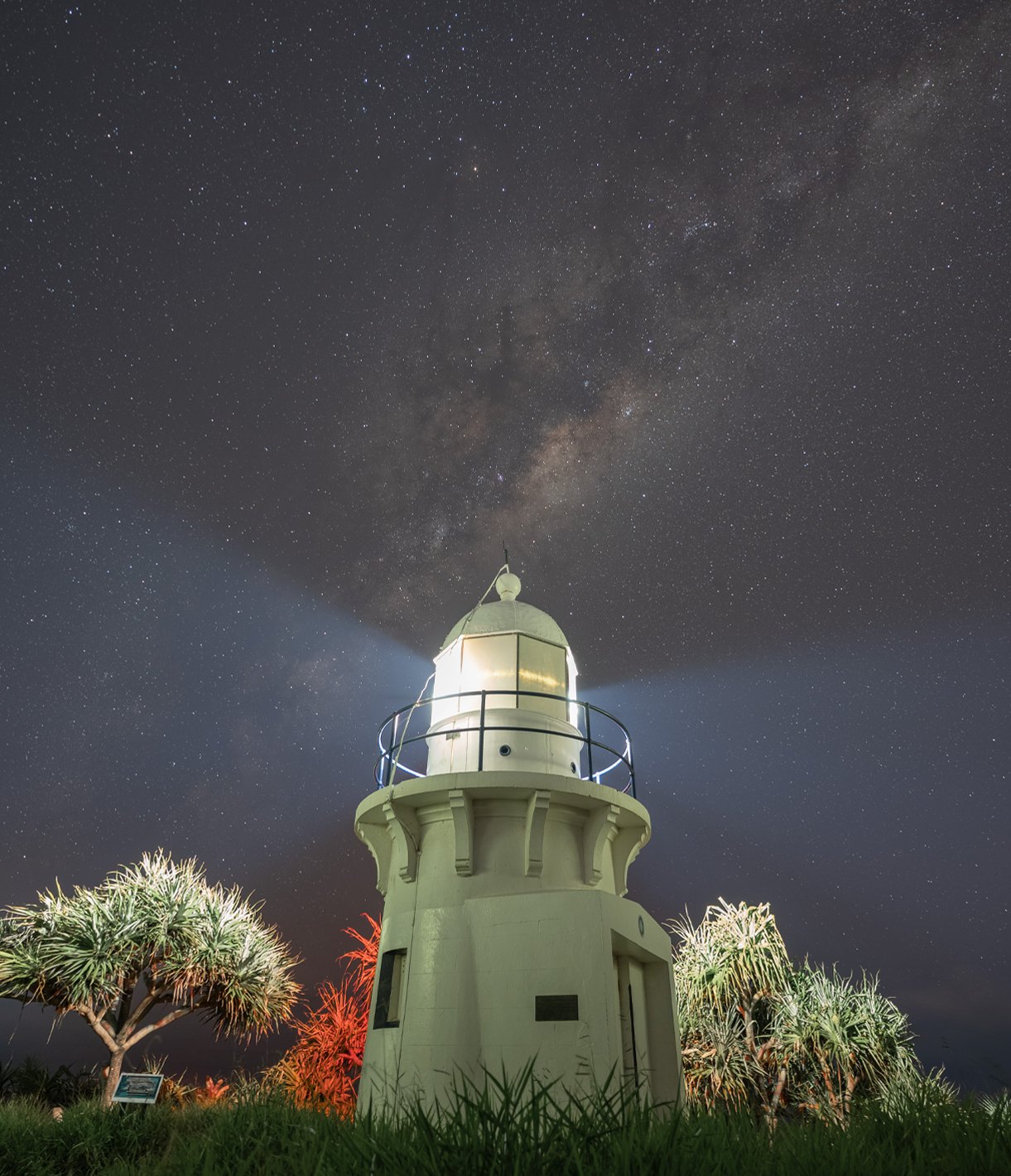
 BeforeAfter
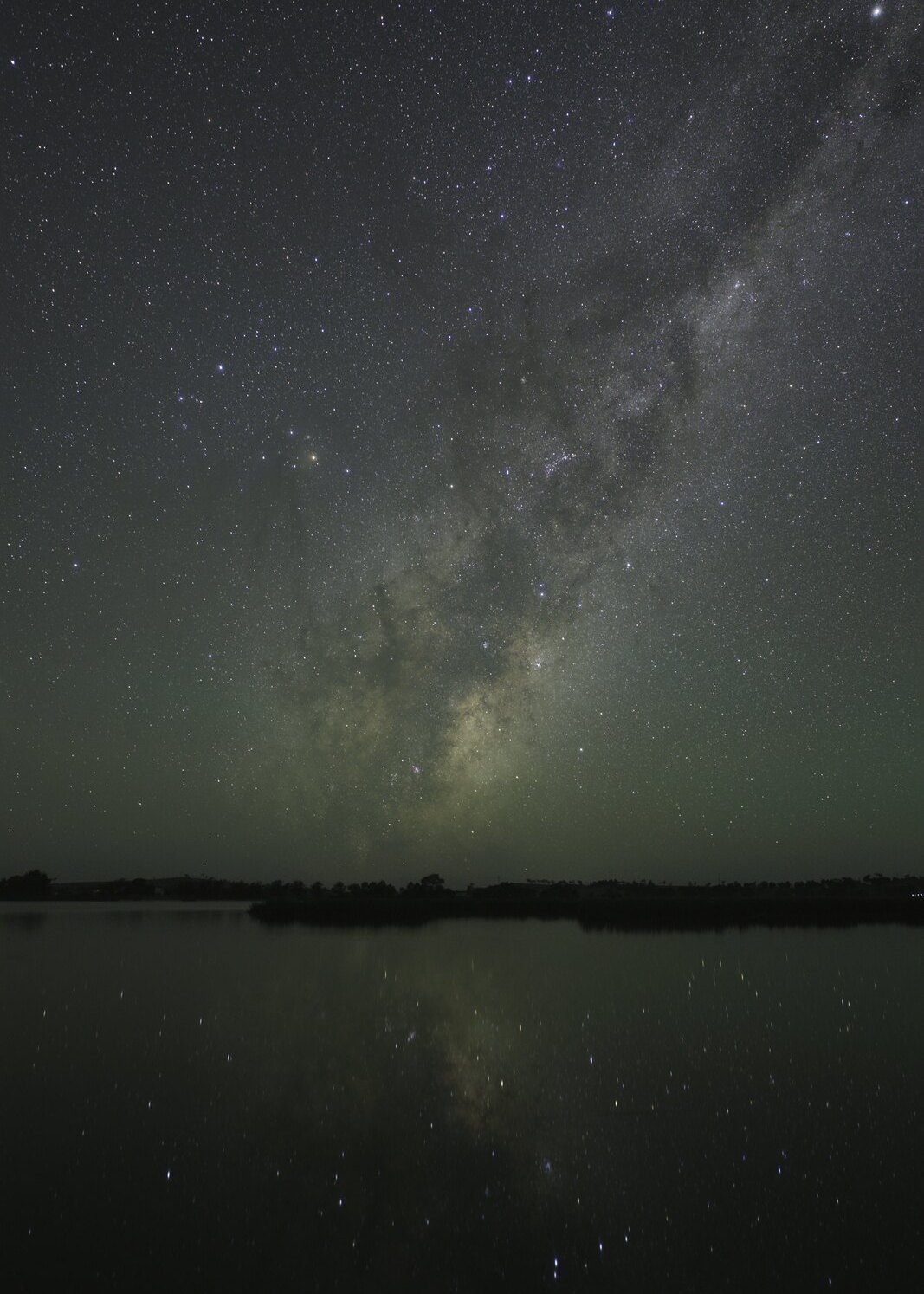
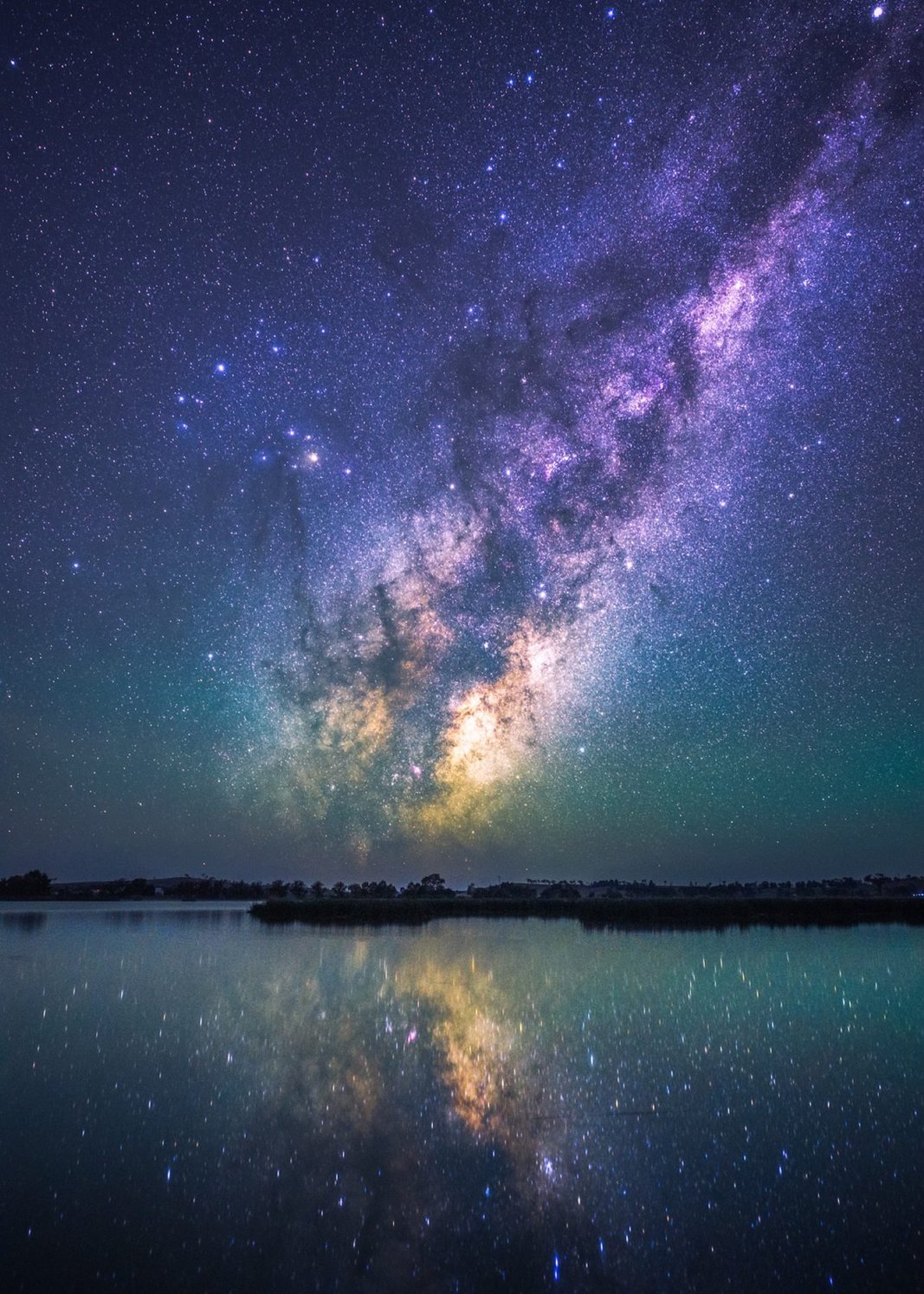
RAW before. One-click after.
David's own unedited frames, and the finished photos he made from them. That is the look Milky Way One is built to give you in one click.
- 01Lights
- 02Colours
- 03Contrast
- 04Lights balance
- 05Colour refinement
- 06Contrast boost
- 07Polish
- 08Tone and brightness
- 09Cleanup
- 10Straighten and repair
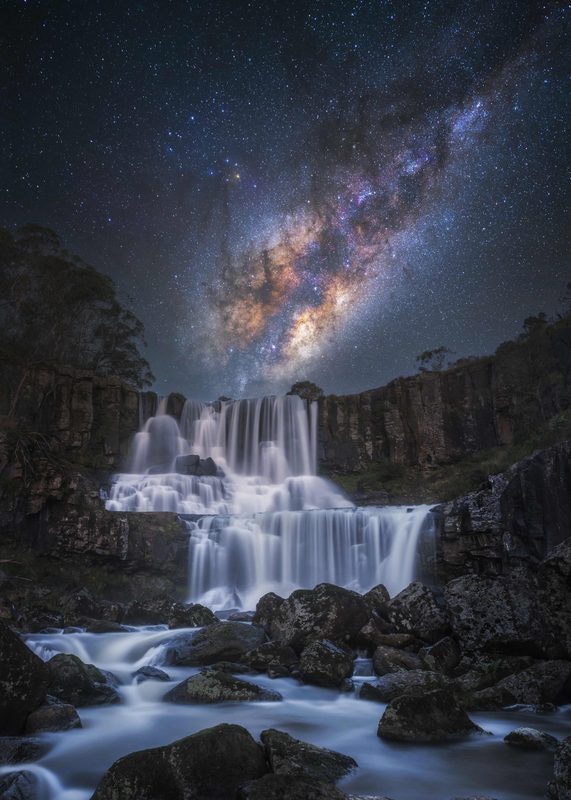
Guided editing, step by step.
Ten steps in the order a night sky needs. Jump back to any of them, any time.
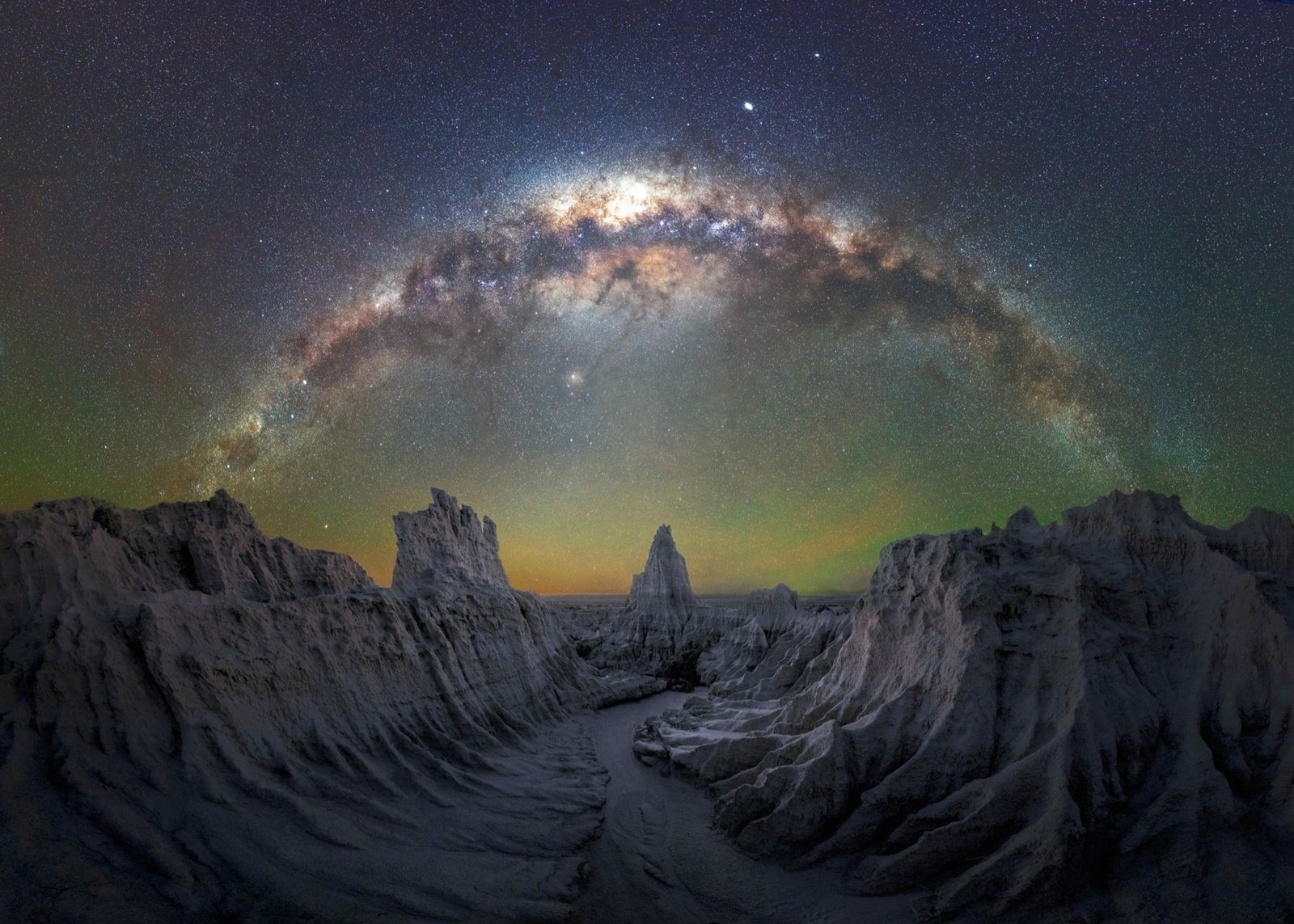
Photographs in. One seamless arch out.
Stars, arch and horizon line up across every frame, then one click finishes it. Shown with David's panorama Lunette, at Mungo.
Guided day to night and time-lapses.
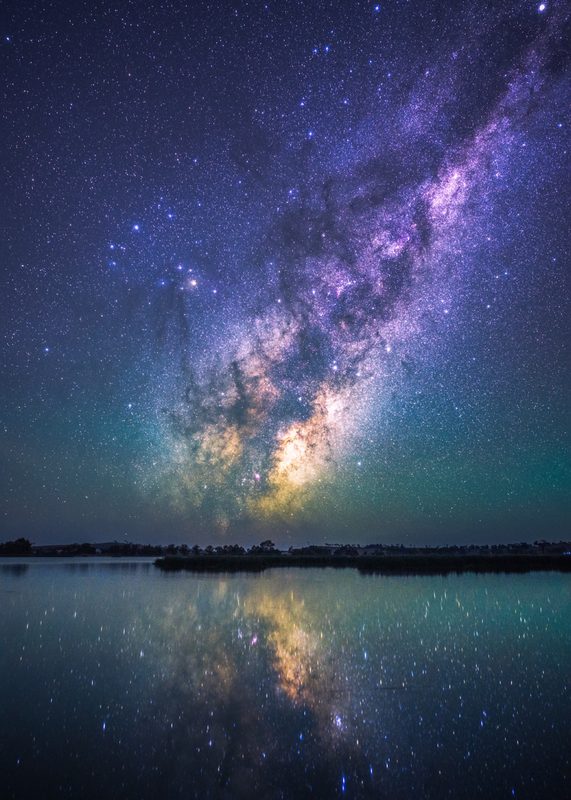
From blue hour to the Milky Way, a whole night of frames edited once and colour-matched into one smooth sequence. Shown uncropped with David's time-lapse Reflections, from Menindee Lakes.
 Stacking
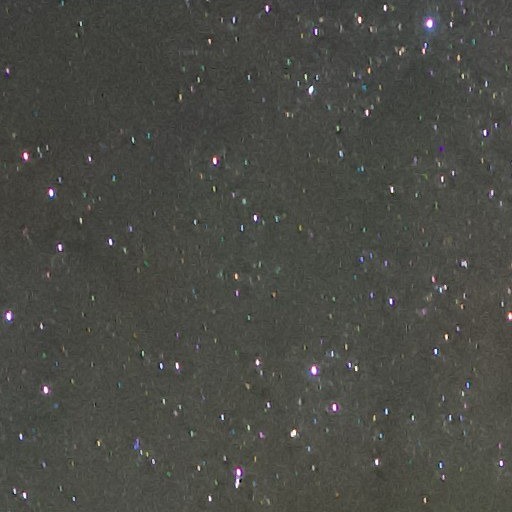
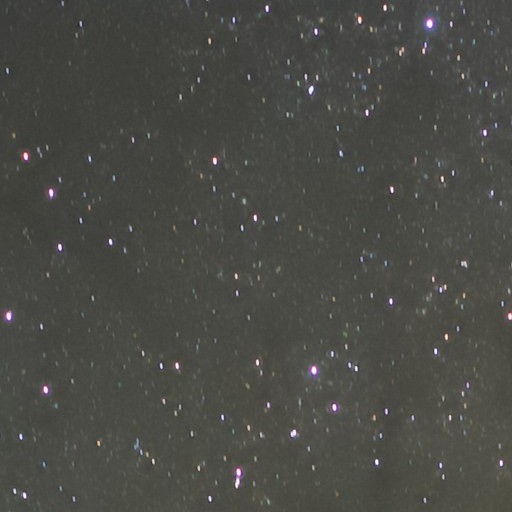
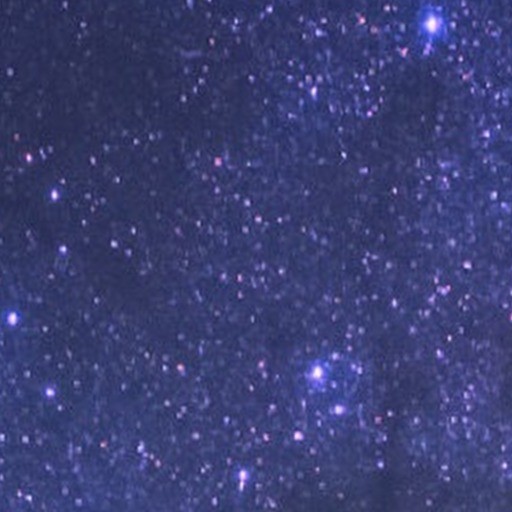
Stack away the noise.
David's photo Still, zoomed to 100%: one frame, then many frames stacked, then the finished edit.
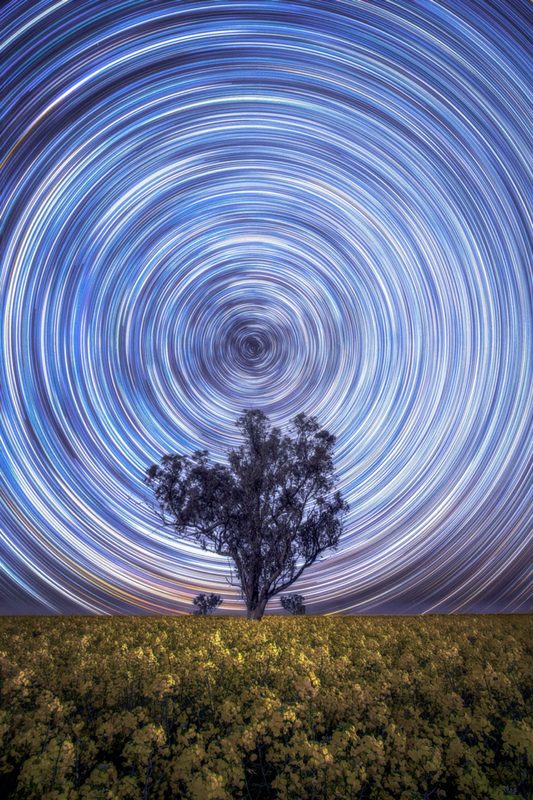
Star trails, made easy.
Turn a night of frames into sweeping trails, and watch them build.
Better shots, every time you edit.
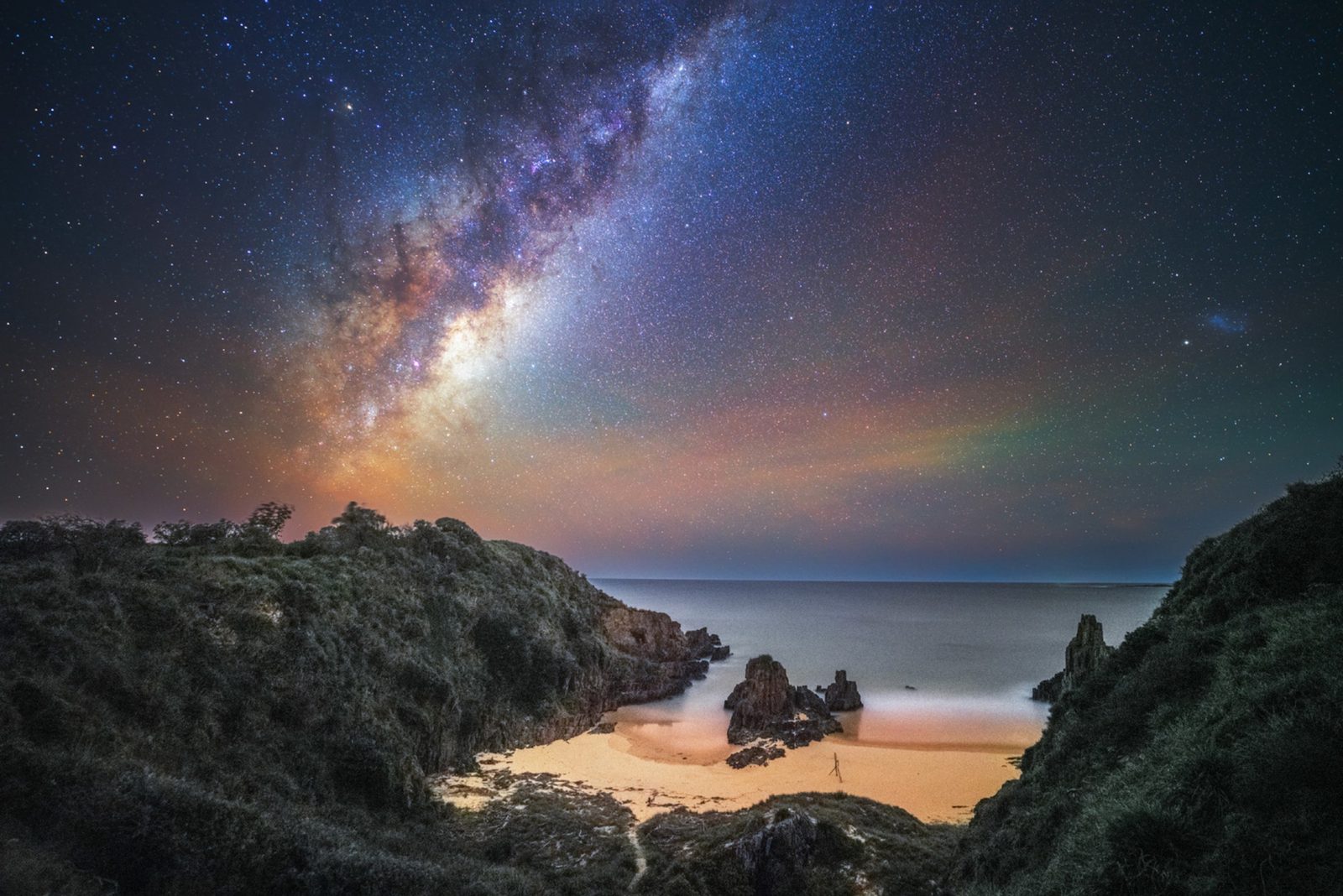
Bring up the foreground before you touch the sky, so the stars don't get muddy.
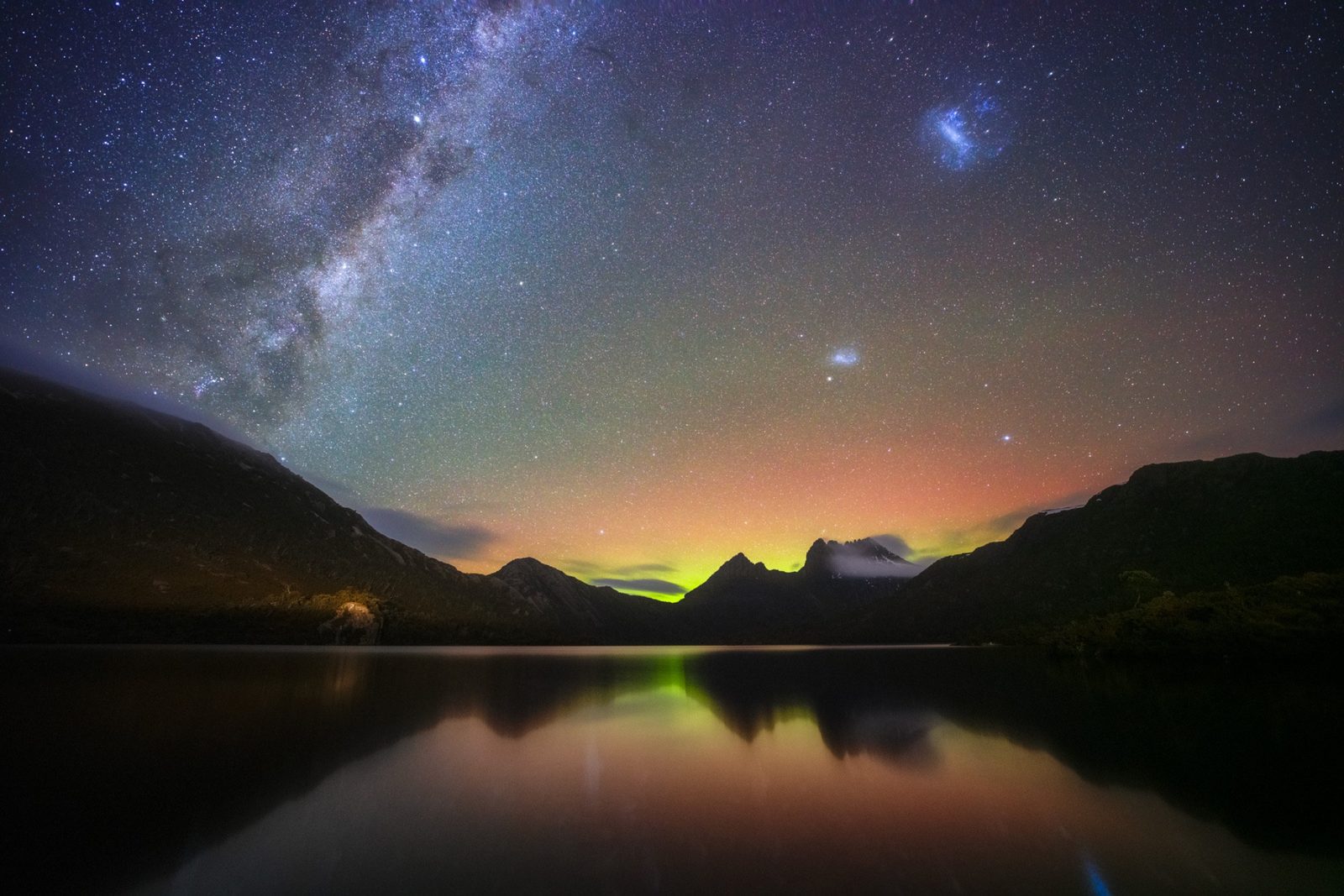 SkyForeground
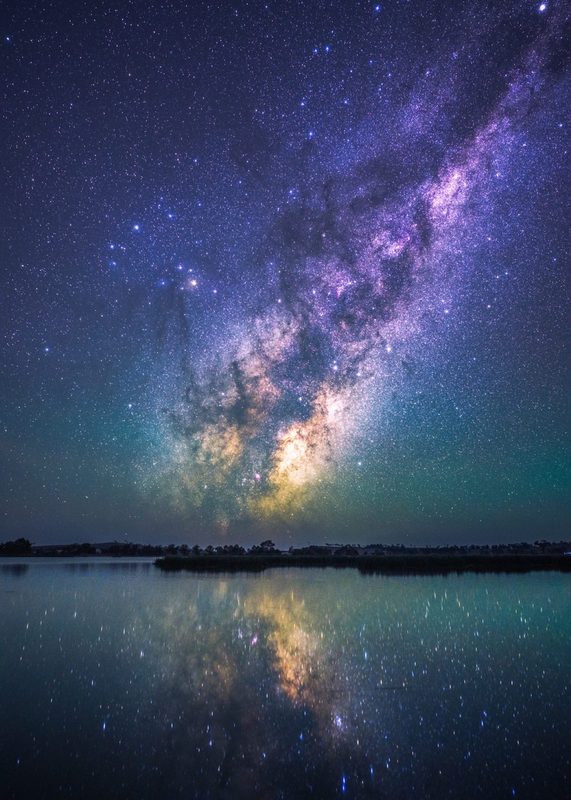 OriginalEdited
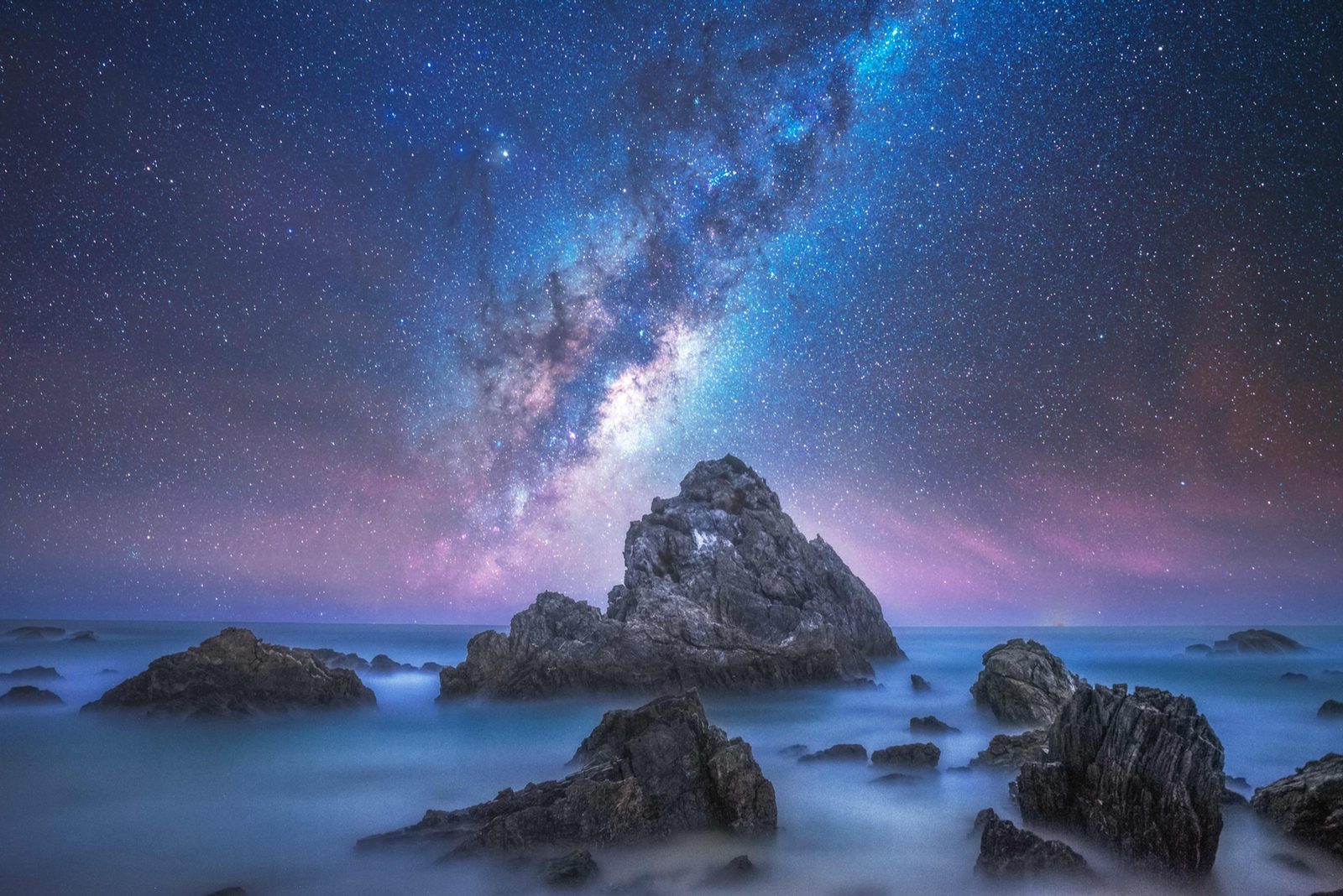
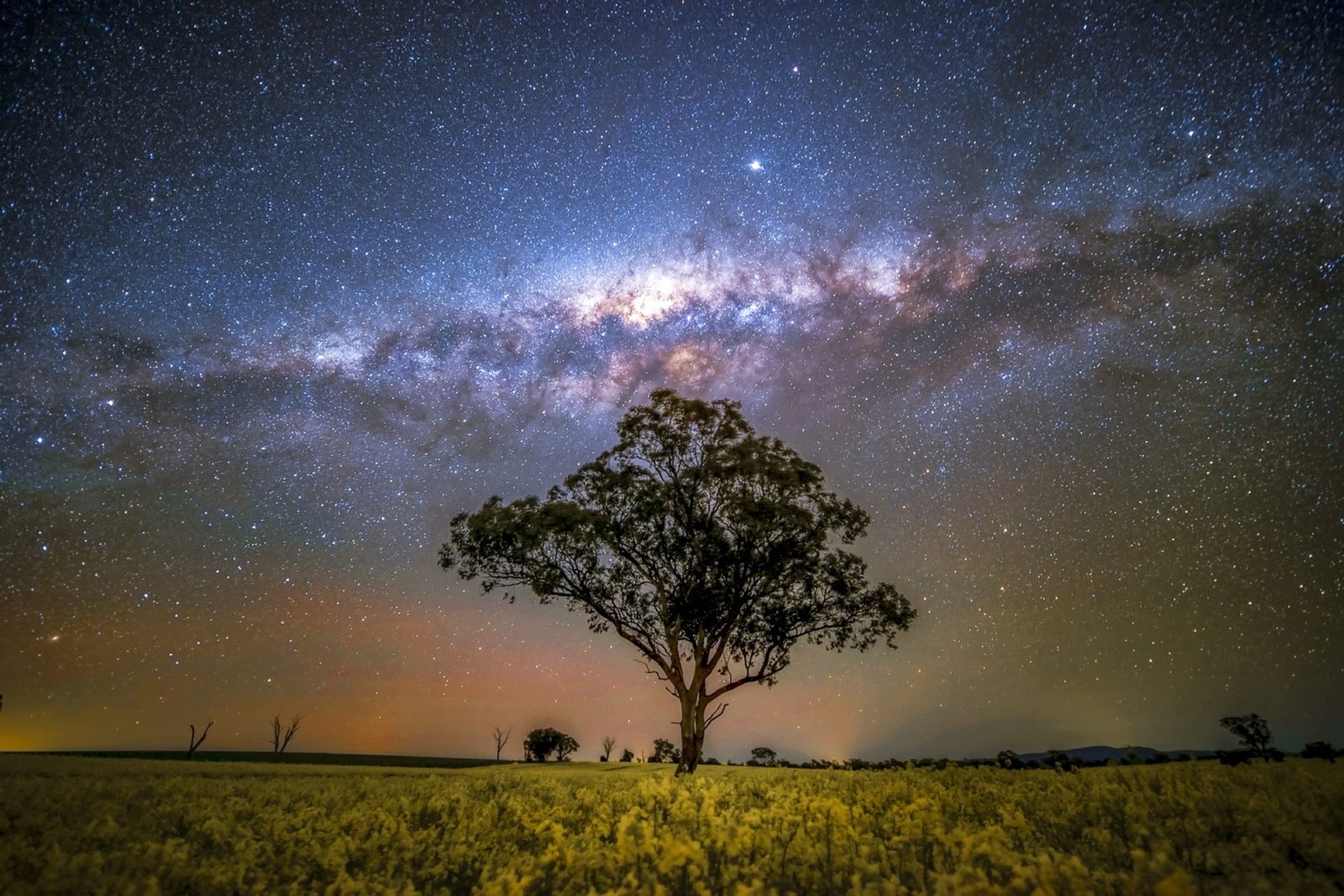
Astro is diverse. Milky Way, panoramas, stacking, star trails, time-lapses: covering it all meant jumping between five different programs, with nothing in one place.
And a night sky shouldn't take hours to edit. So I built one place with every tool you need, that gets you to the finished photo fast and shows you why each step works.
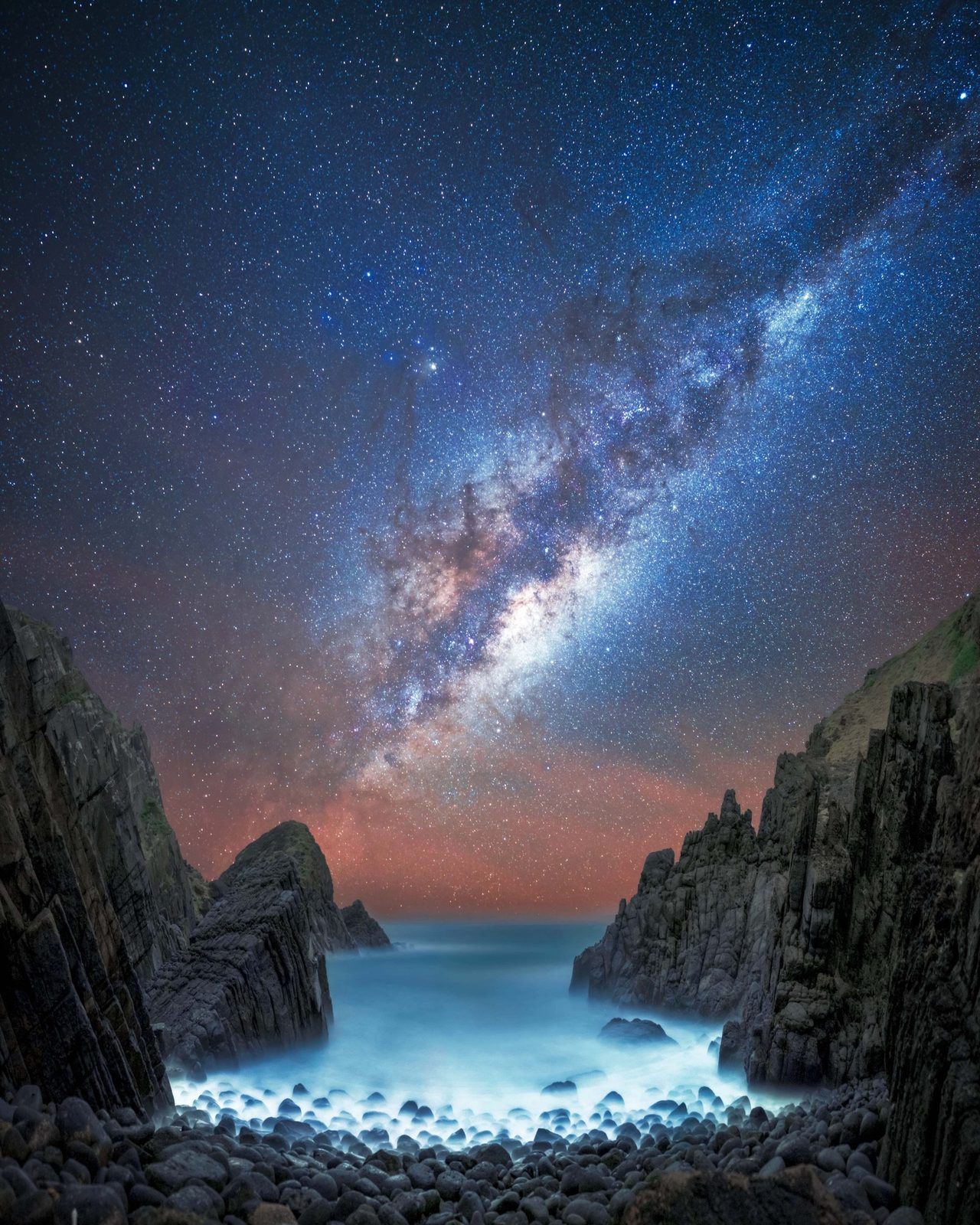
The nights behind it.
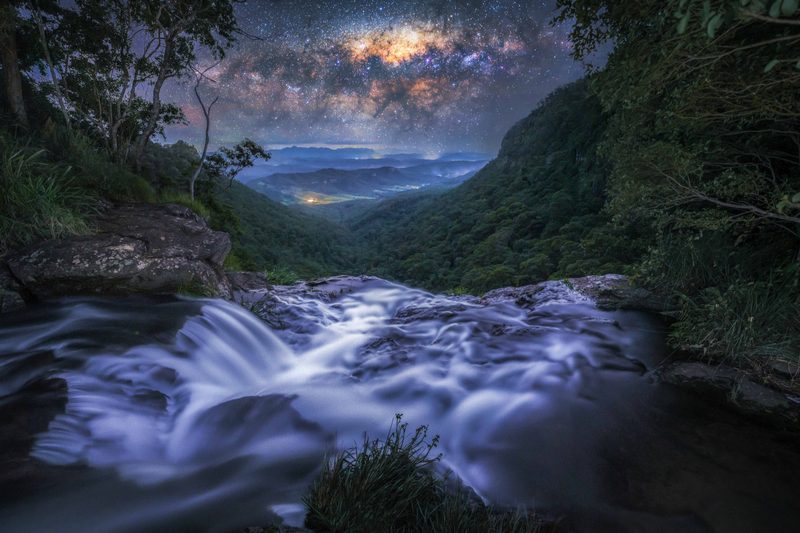
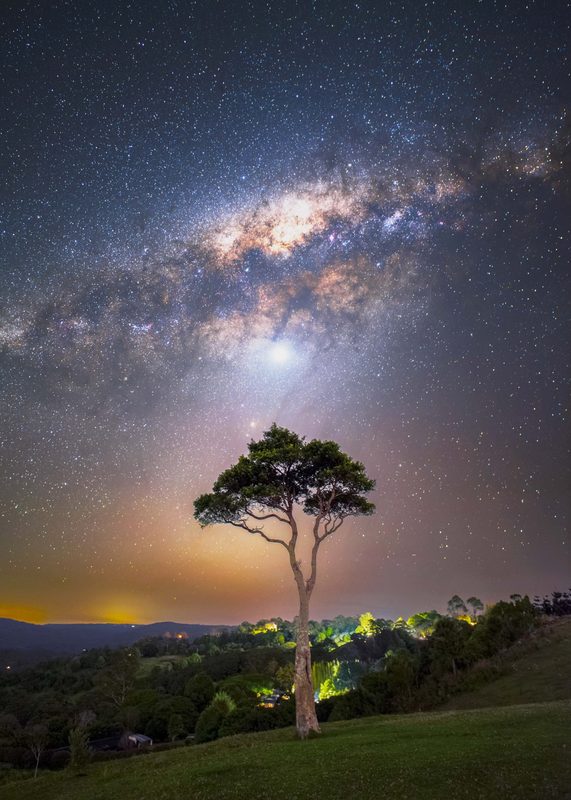
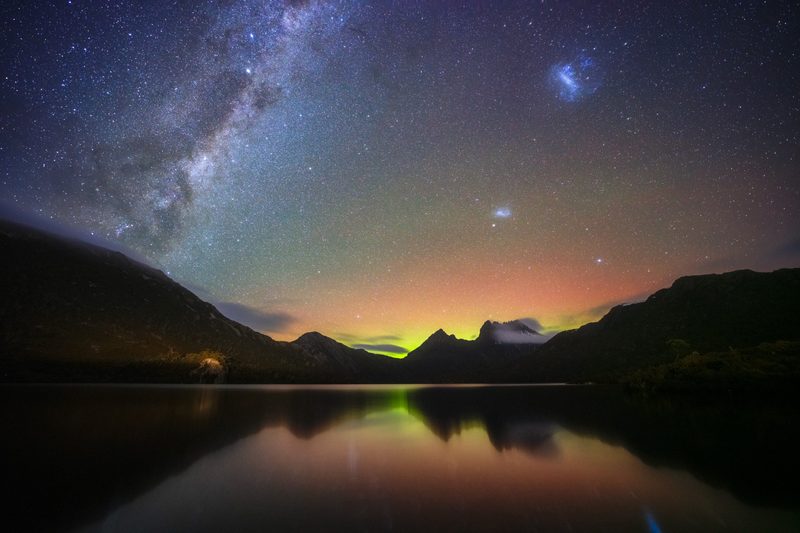
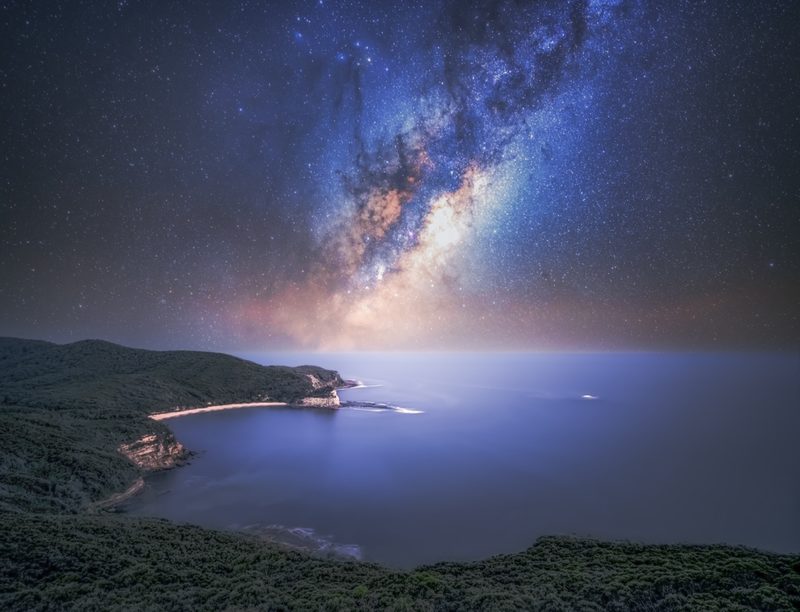
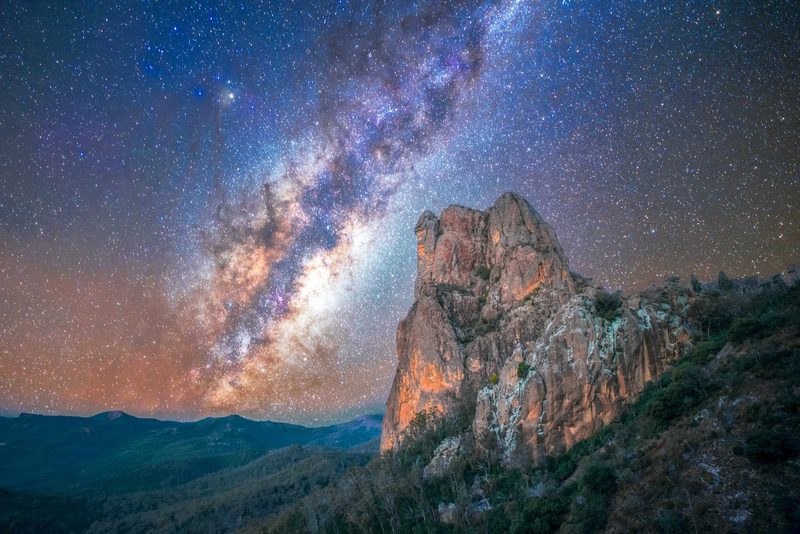
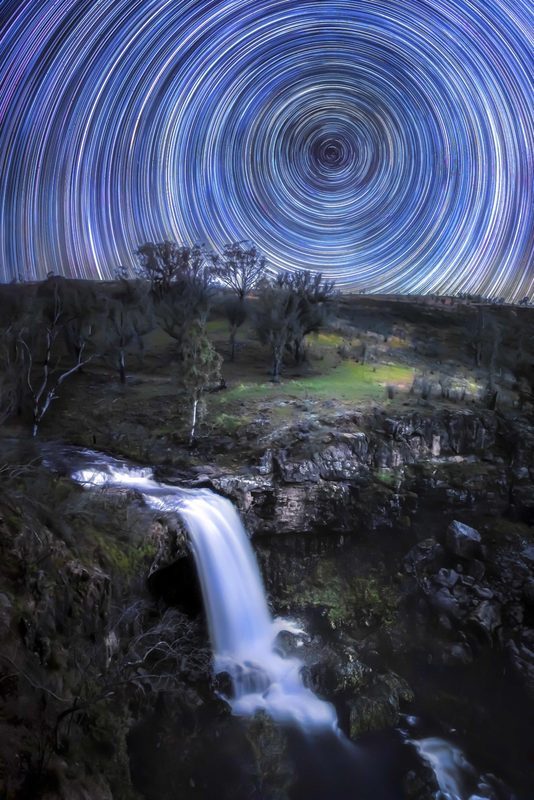
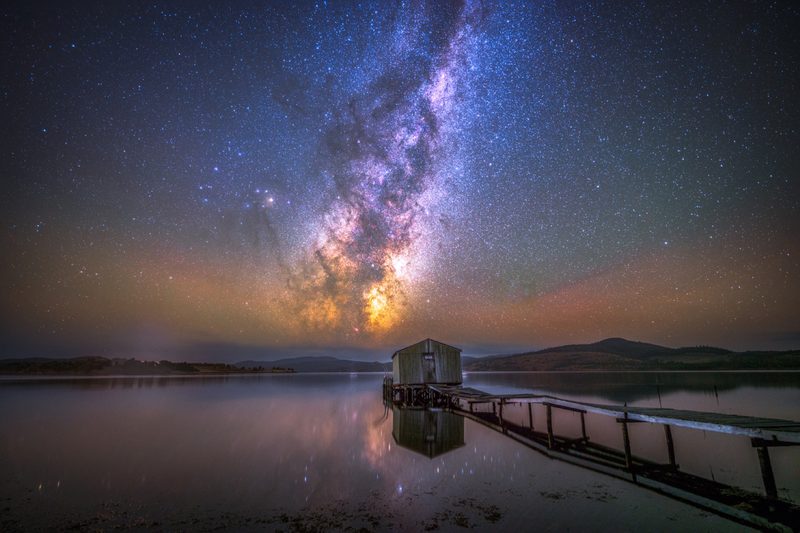
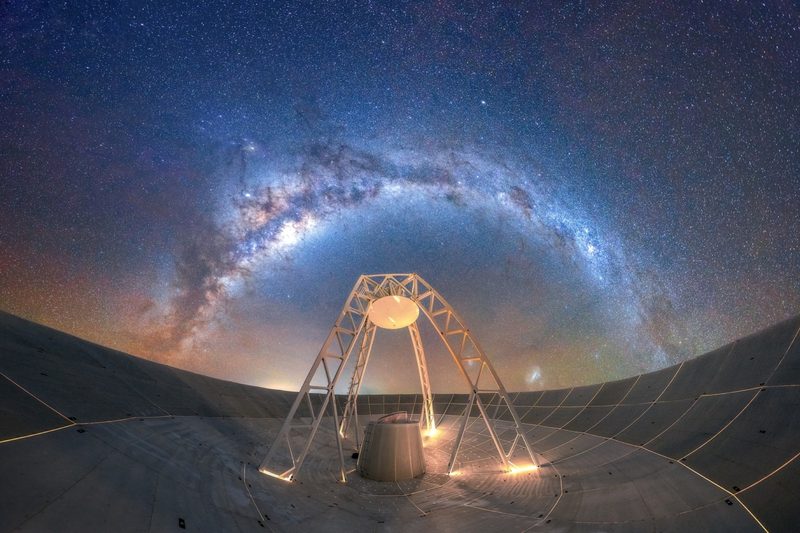
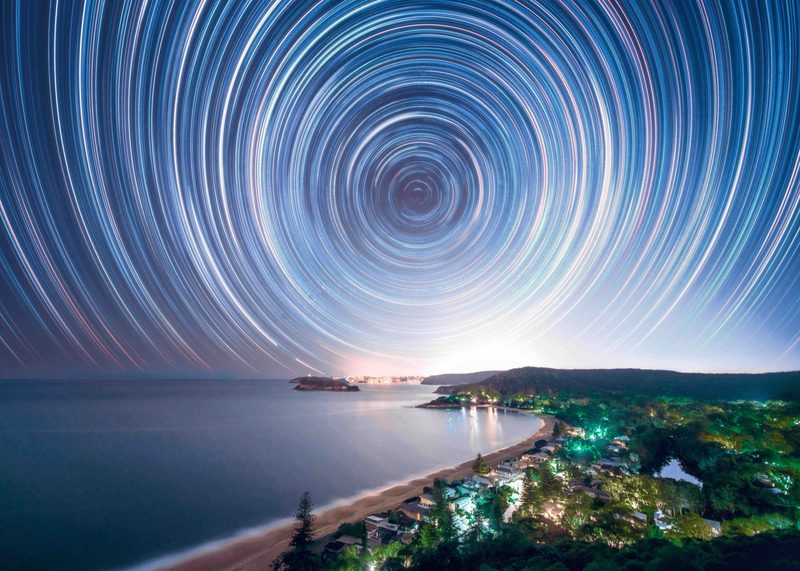
Every photo here is David's. Everything he learned making them is built into Milky Way One.
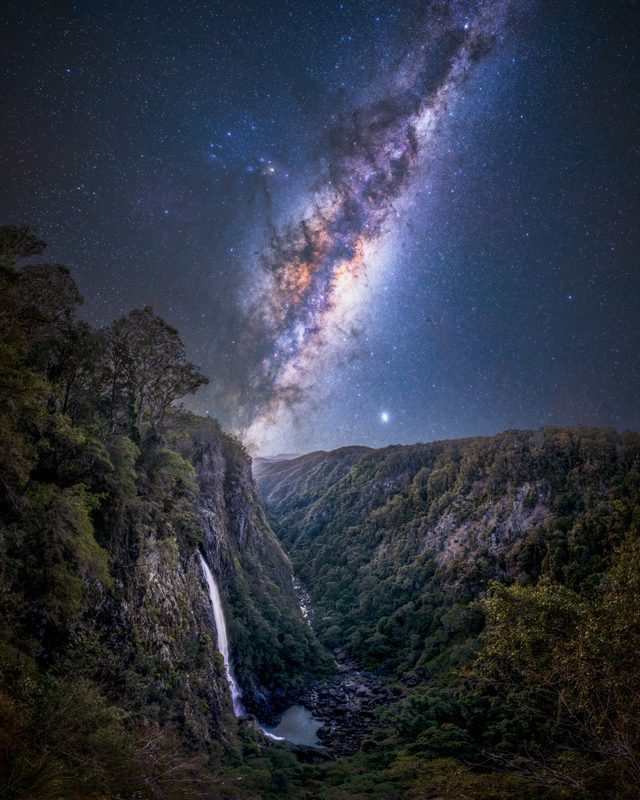
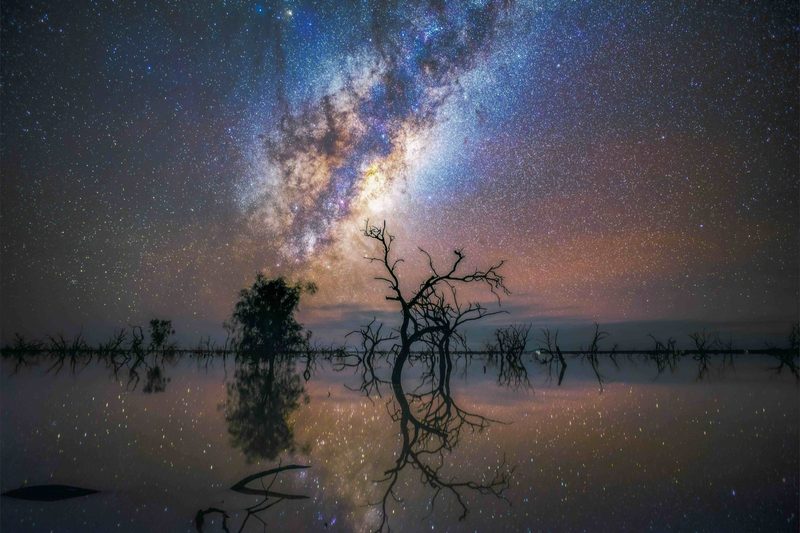
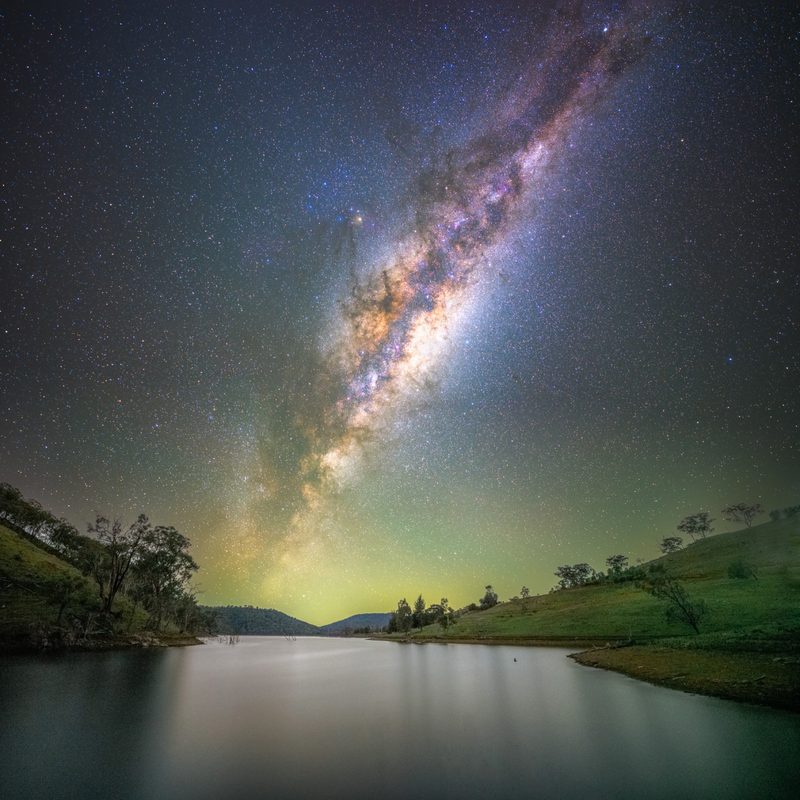
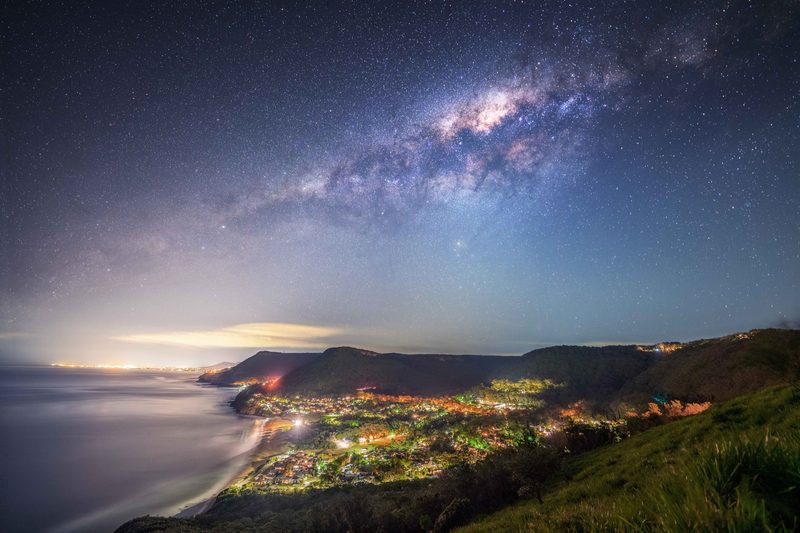
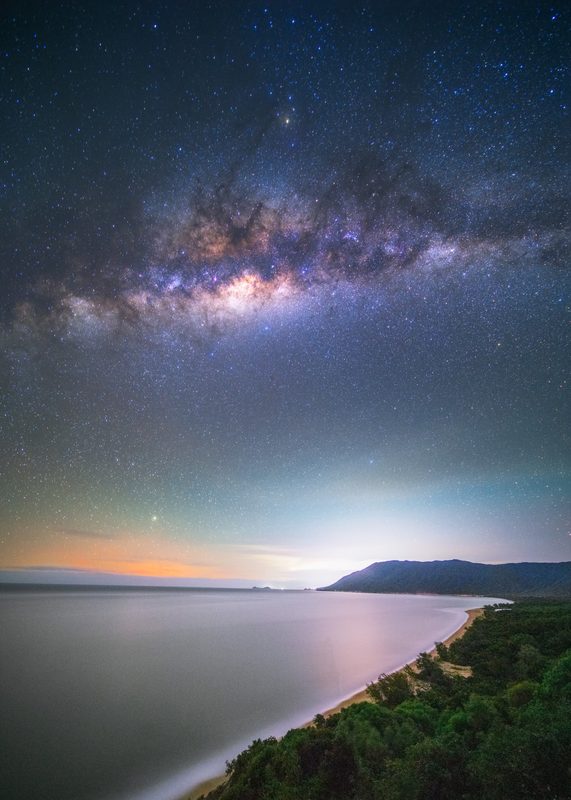
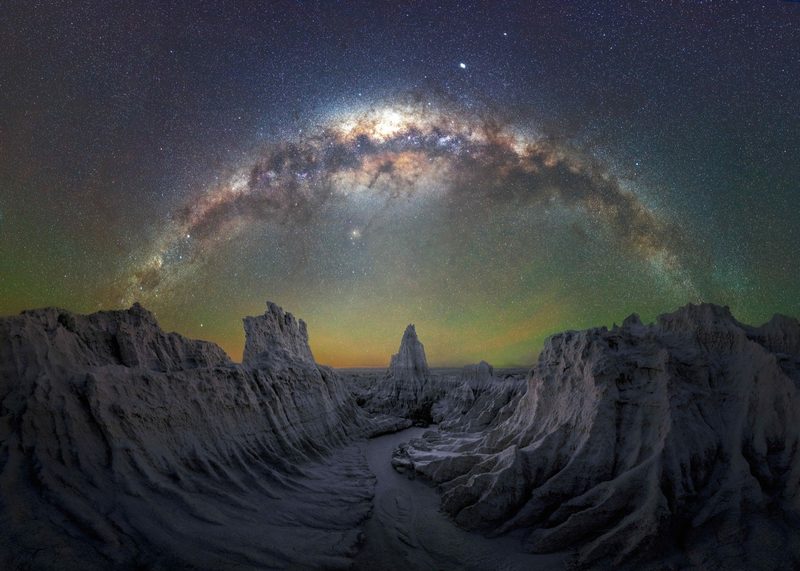
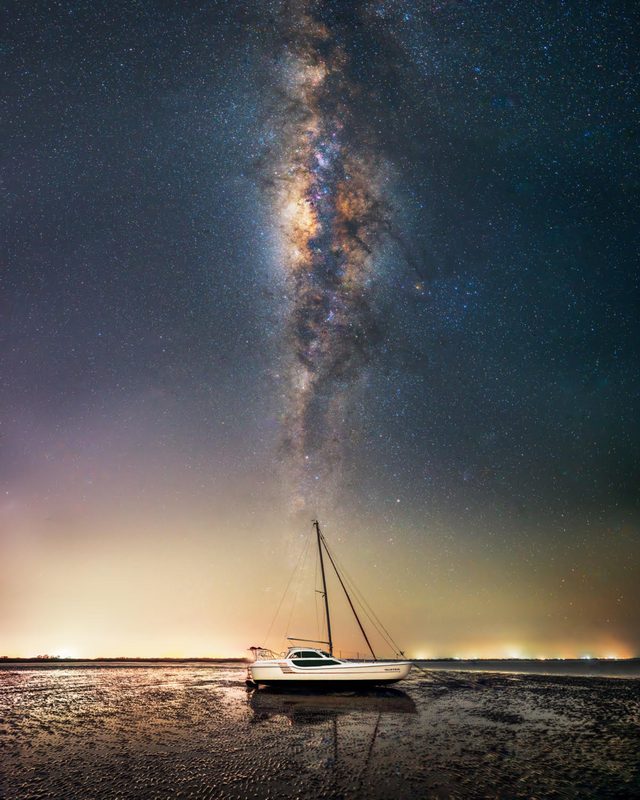
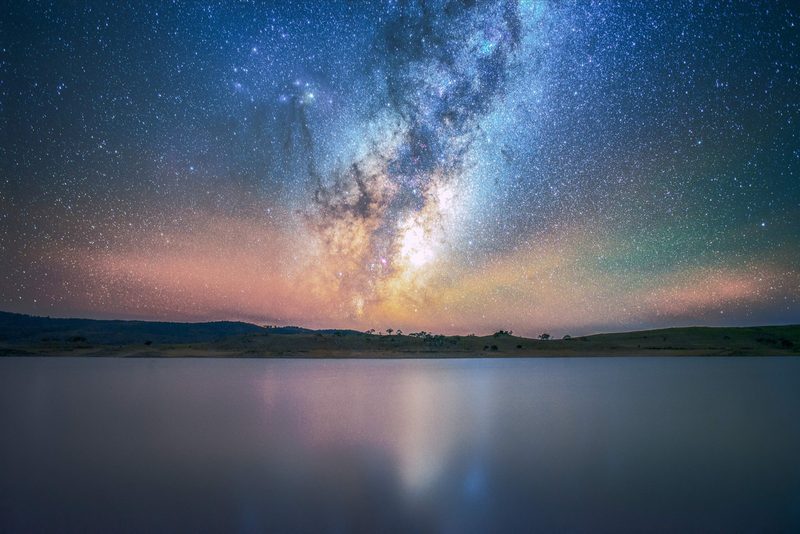
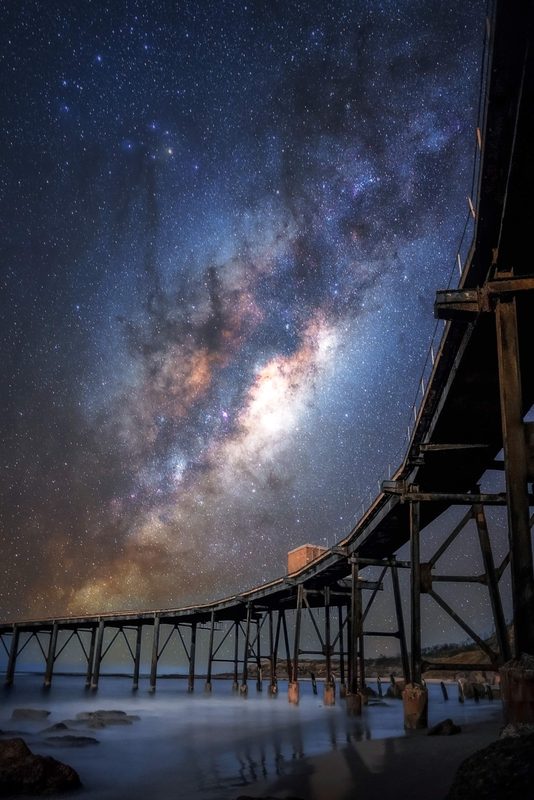
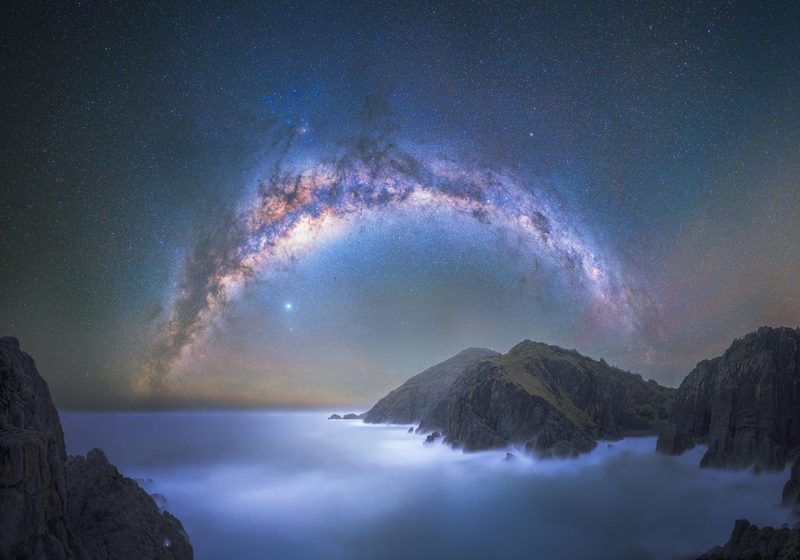
The free tools.
Plan the perfect night.
A whole planning suite is on its way. Try the first one now: is the Milky Way up tonight where you are?
Is the Milky Way up tonight?
Darkness, the Moon and the Milky Way core, worked out for your place. Cloud forecasts arrive with Astro Weather at launch.
Every tool, free.
Astro Weather
Will it be clear tonight? Yes or no.
Night Planner
A yes or no for any night, years ahead.
Season Clock
Your whole Milky Way year on one dial.
Sky Viewer
Stand at your spot. Drag through the night.
Location Atlas
Dark-sky places, and the best months to go.
Camera Settings
Sharp stars for your camera and lens.
Composition
Ways to tie the land to the sky.
Field Checklist
Everything to do in the dark, in order.
Frame Check
Score your composition before you shoot.
Light Pollution Map
Find the darkest skies near you.
Light Age
How old is the starlight in your photo?
Constellation Maker
Join the stars and name your own.
Timelapse Scrubber
Scrub to any minute of a night.
Shot it? Share it.
Photo of the Week and a home for your shots start at launch. The conversation has already started in David's Masterclass group.
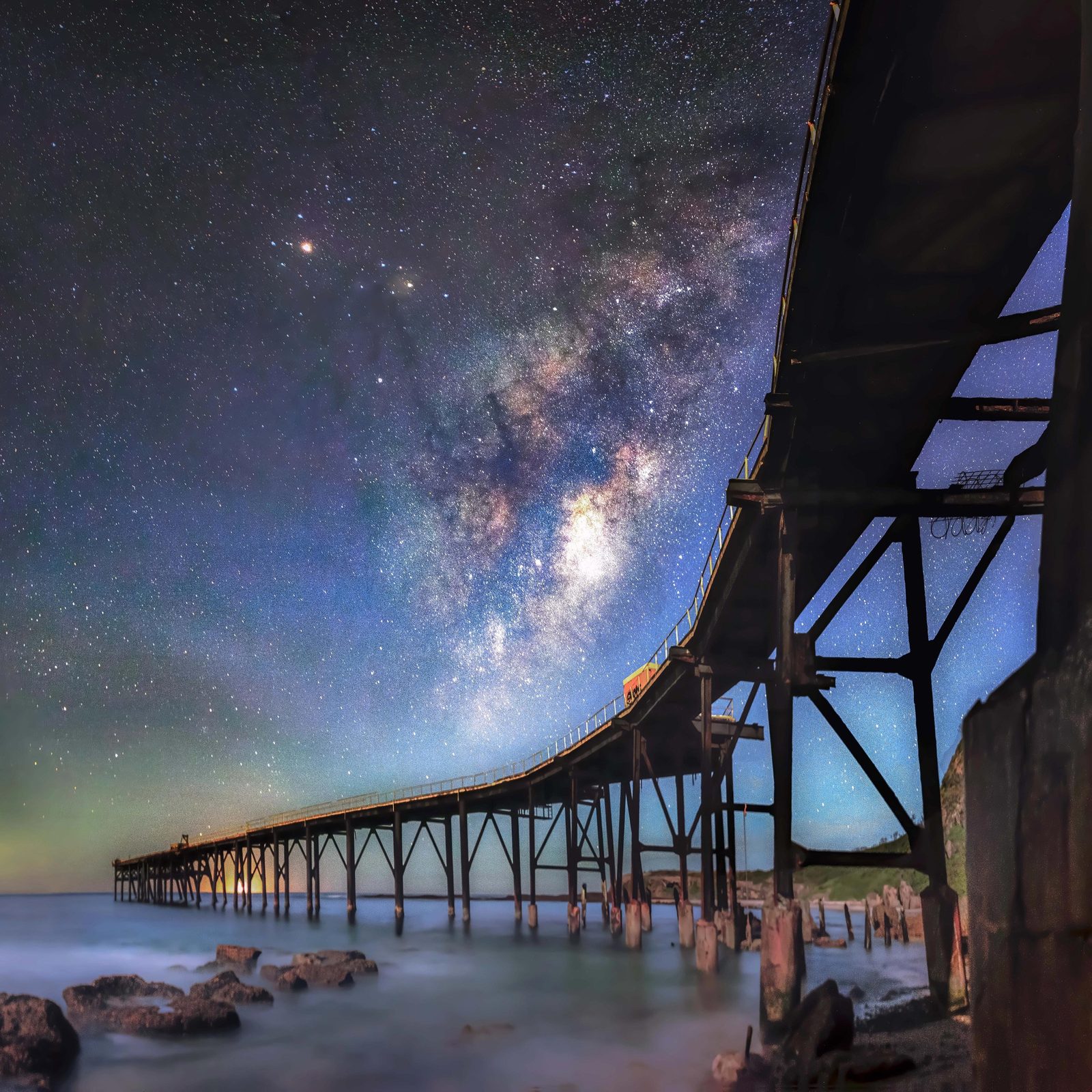
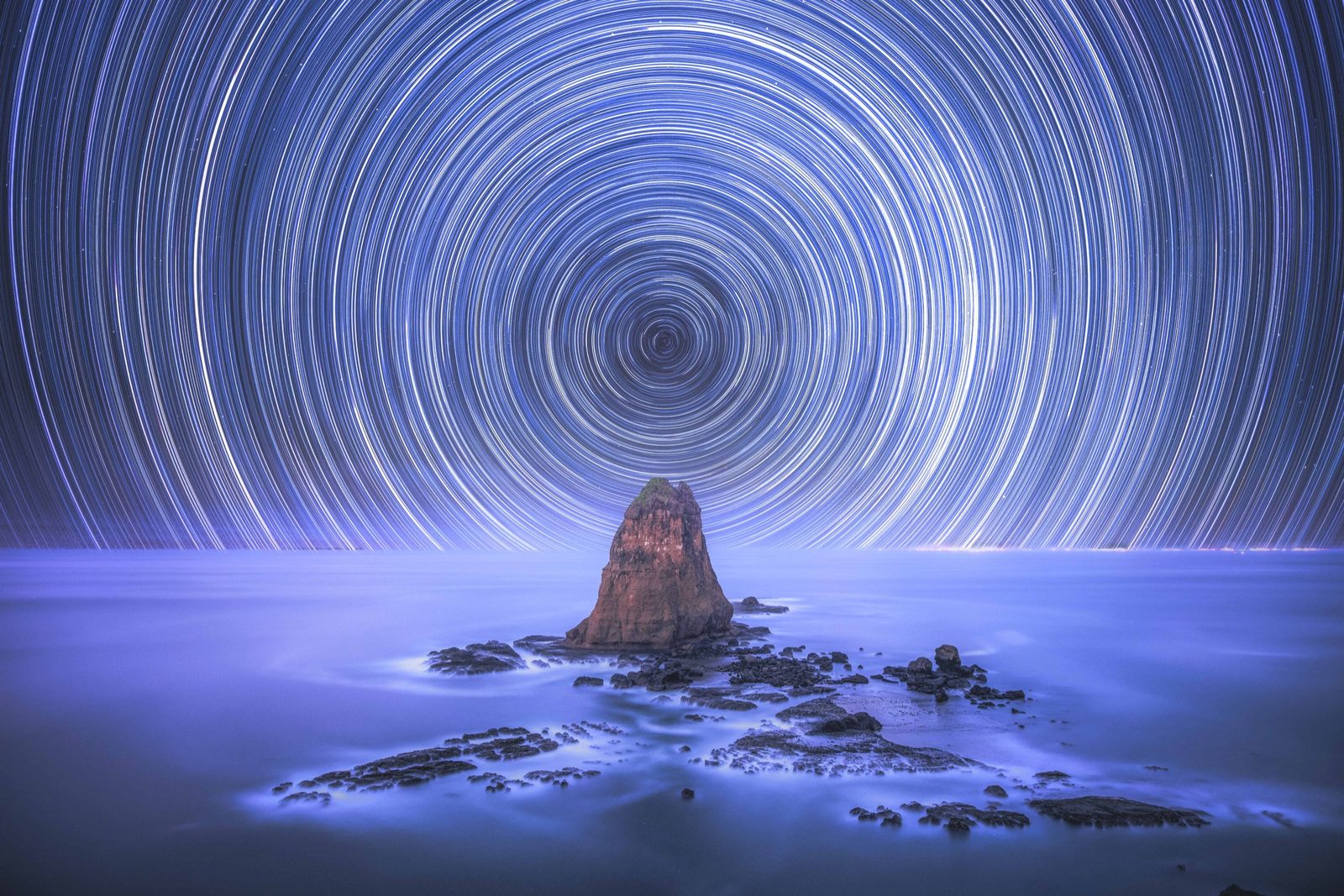
The Milky Way core is too low in the dark hours right now, so it's the time for star trails, the Magellanic Clouds and the southern sky.
Be first under the new sky.
Founding access to Milky Way One opens soon. Join the waitlist and David will let you know the moment it's ready.